
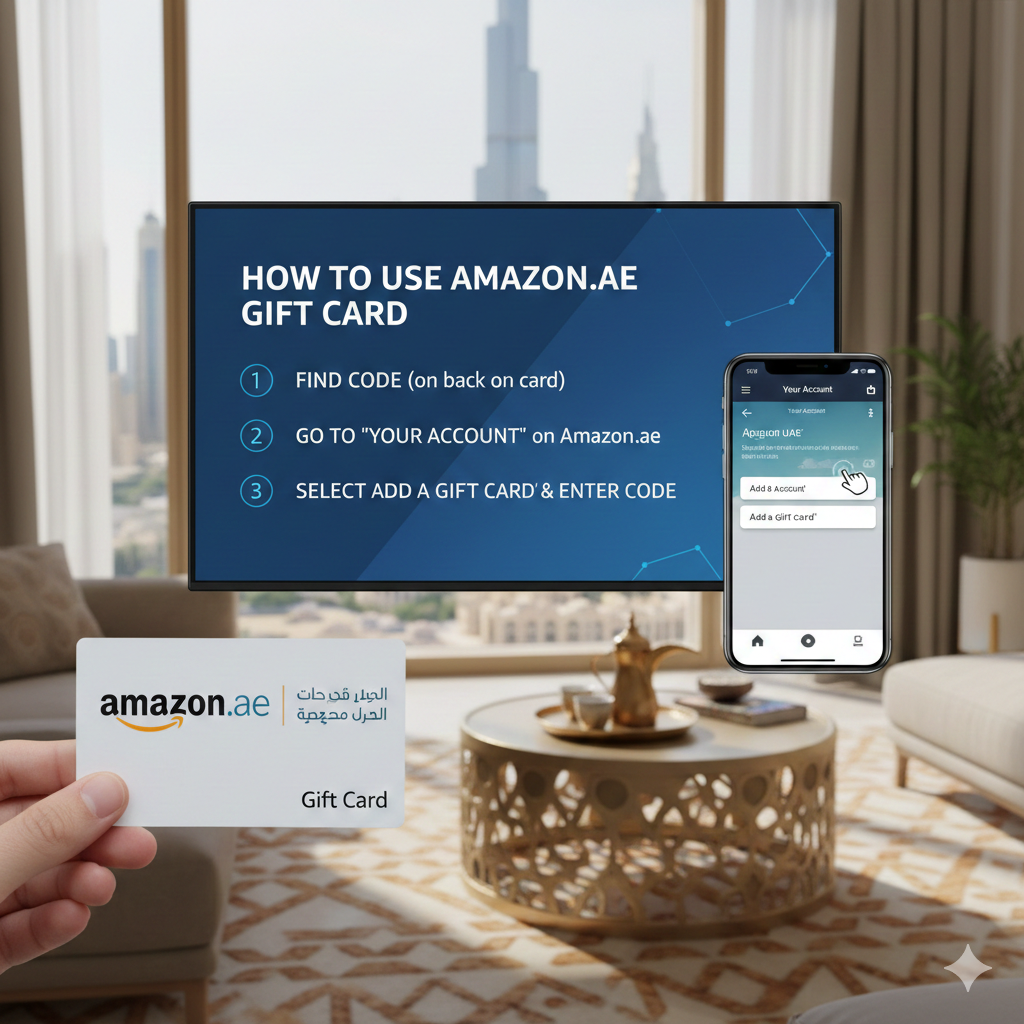
This guide is designed to provide you with everything you need to know about using Amazon Gift Cards in the United Arab Emirates (UAE). Whether you received one as a gift or purchased it for yourself to manage your budget, using it on Amazon.ae is a seamless process.
A Complete Guide: How to Use an Amazon Gift Card in the UAE
Amazon.ae has become the go-to destination for shoppers in the Emirates, offering everything from daily essentials to high-end electronics. One of the most convenient ways to pay for these items is through an Amazon Gift Card. However, if you are new to the platform or have never handled a digital voucher, you might wonder how to properly redeem it and ensure the balance is applied to your next order.
In this comprehensive article, we will break down the steps, tips, and essential rules for using your Amazon UAE gift card effectively.
Understanding Amazon UAE Gift Cards
Click to enter Amazon UAE with the discount app
Before we dive into the "how-to," it is important to understand what makes these cards specific. Amazon operates on a country-specific basis. This means a gift card purchased in US Dollars for Amazon.com cannot be used on Amazon.ae.
Amazon UAE Gift Cards are denominated in AED (United Arab Emirates Dirham) and are exclusively valid for products sold on the UAE marketplace. They come in two primary forms:
Physical Gift Cards: Often found in retail stores like Carrefour, Lulu, or Virgin Megastore.
E-Gift Cards: Sent via email or SMS, containing a unique 14 or 15-character claim code.
Step 1: Locating Your Claim Code
The "Claim Code" is the key to your funds. It is different from the 16-digit serial number.
For Physical Cards: You will usually need to gently scratch off the silver coating on the back of the card to reveal the code.
For E-Gift Cards: The code will be clearly displayed in the email or digital receipt you received.
Step 2: How to Redeem the Gift Card to Your Account
The most efficient way to use your gift card is to "claim" it to your Amazon account balance before you start shopping. This ensures the money is ready at checkout.
Using a Desktop or Laptop:
Go to Amazon.ae and log in to your account.
Hover over the "Accounts & Lists" menu at the top right and click on “Your Account.”
Click on the "Gift Cards" box.
Select “Redeem a Gift Card.”
Enter your claim code exactly as it appears (dashes are usually not required, but capital letters matter) and click “Apply to Your Balance.”
Using the Amazon Shopping App:
Open the app and tap the three horizontal lines (menu) or the profile icon.
Navigate to “Your Account.”
Scroll down to the "Payments" section and tap “Manage gift card balance.”
Choose “Redeem another gift card.”
You can either type the code or use your phone’s camera to "Scan the claim code" for instant entry.
Step 3: How to Use the Balance During Checkout
Once the balance is added, it stays in your account until it is used or until it expires (Amazon UAE gift cards typically have a long validity period, often up to 10 years).
Add the items you wish to buy to your Shopping Cart.
Proceed to Checkout.
On the "Select a payment method" page, you will see your "Gift Card Balance" listed as an option.
Check the box that says “Use your AED X.XX Gift Card balance.”
If your order total is higher than your gift card balance, you can pay the remaining difference using a Credit/Debit card or Apple Pay.
If your order total is lower than the gift card, the remaining balance stays in your account for future use.
Can You Use a Gift Card Without Pre-Redeeming It?
Yes! If you are already at the final checkout stage and forgot to add your gift card, you don't have to leave the page. In the "Payment Method" section, look for a field labeled "Enter Code" under the "Gift Cards & Promotional Codes" header. Enter your code there and click "Apply." The total price will update instantly.
Important Rules and Limitations
To ensure a smooth experience, keep these professional tips in mind:
Non-Transferable: Once a gift card is redeemed to an account, it cannot be transferred to another Amazon account.
No Cash Refunding: You cannot exchange your gift card balance for physical cash.
Service Restrictions: Sometimes, gift card balances cannot be used to purchase other gift cards or pay for certain subscription services like Amazon Prime, depending on the specific terms at the time.
Region Lock: As mentioned, ensure your card says "Amazon.ae." A card from Amazon.sa (Saudi Arabia) or Amazon.com (USA) will not work on the UAE site.
Common Troubleshooting Tips
If you encounter an error while redeeming your card, check the following:
The Code has already been redeemed: Check your "Gift Card Activity" to see if the balance was already added.
Unreadable Characters: Sometimes a "0" looks like an "O" or a "1" looks like an "I". Try variations if the scratch-off was damaged.
Wrong Region: Double-check that you are logged into Amazon.ae and not another country's portal.
Why Use Amazon Gift Cards in the UAE?
Using gift cards is a brilliant way to control spending. By loading a specific amount into your account, you can stick to a monthly shopping budget. Additionally, they are the perfect solution for those who do not wish to link their primary credit card to an online account for security reasons.
With your balance now loaded, you are ready to explore millions of products with the click of a button